
BruttoNetto
The gross-to-net salary calculator for Austria — on iPhone, iPad and Mac since 2009. Calculate what remains of a gross salary per month or year, or work backwards from the net figure you have in mind. Fully offline, no account, no data collected.
€ 4.99 One-time purchase
4.2 MB Download size
iOS 18+ iPhone · iPad · Mac · Vision
DE / EN Languages
More than a simple calculator
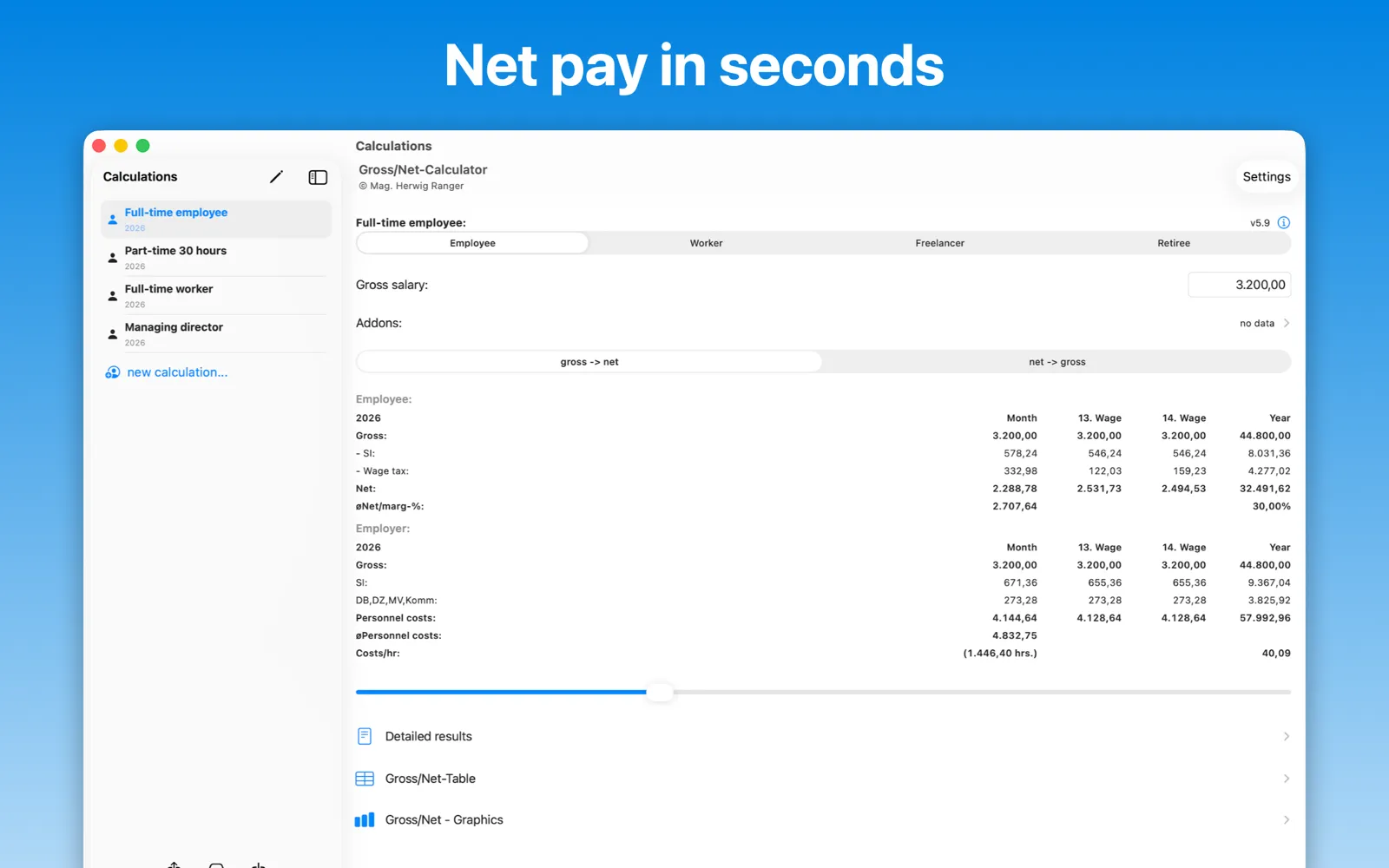
Beyond the basic gross↔net conversion, BruttoNetto handles benefits in kind (Sachbezüge), expense reimbursements, running commission advances, a 15th special payment or annual bonus, overtime, additional hours and part-time additional hours. For employers it answers what an employee actually costs per year, month or hour — instantly, without asking your tax advisor or payroll office.
Rates are updated for each calculation year, including preliminary figures for the upcoming year, so the app is useful in salary negotiations before the law is final.
A look inside the app
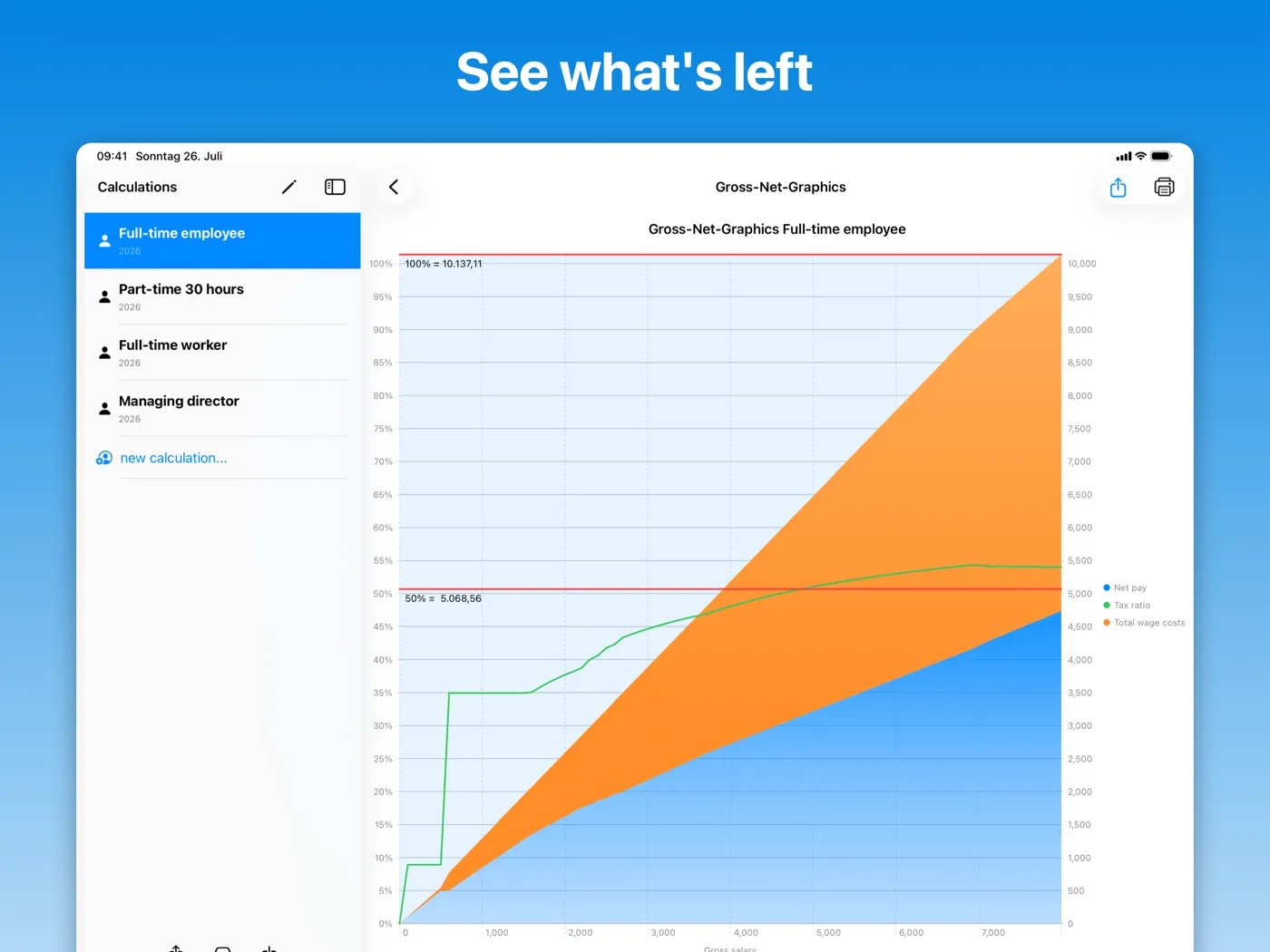
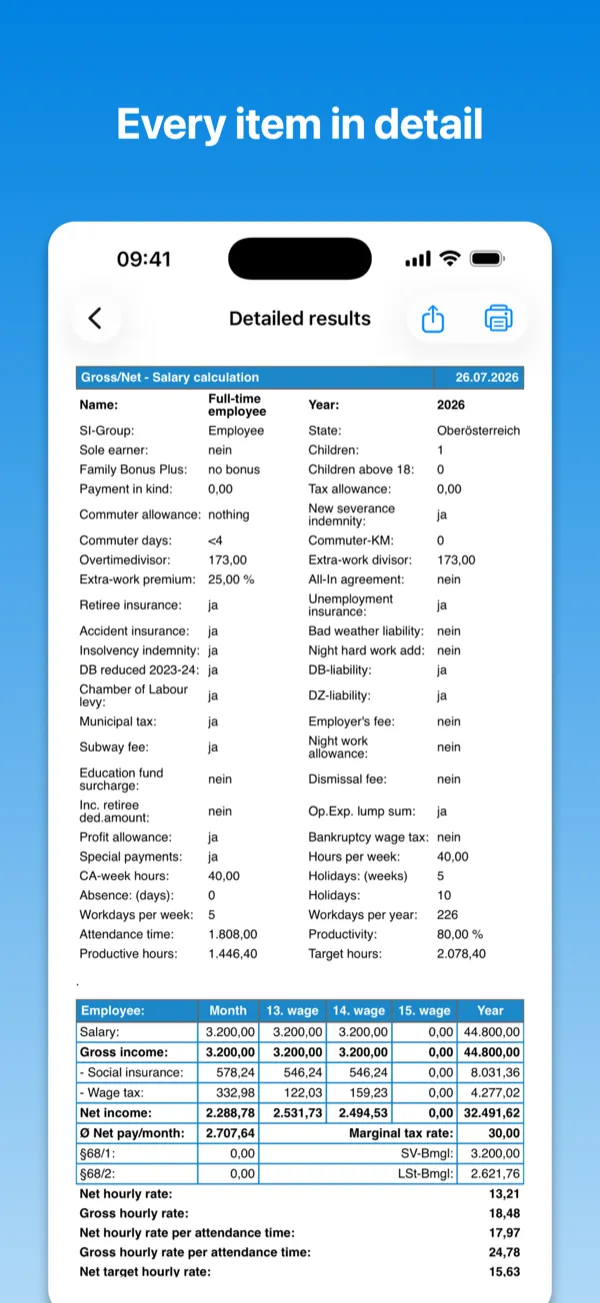
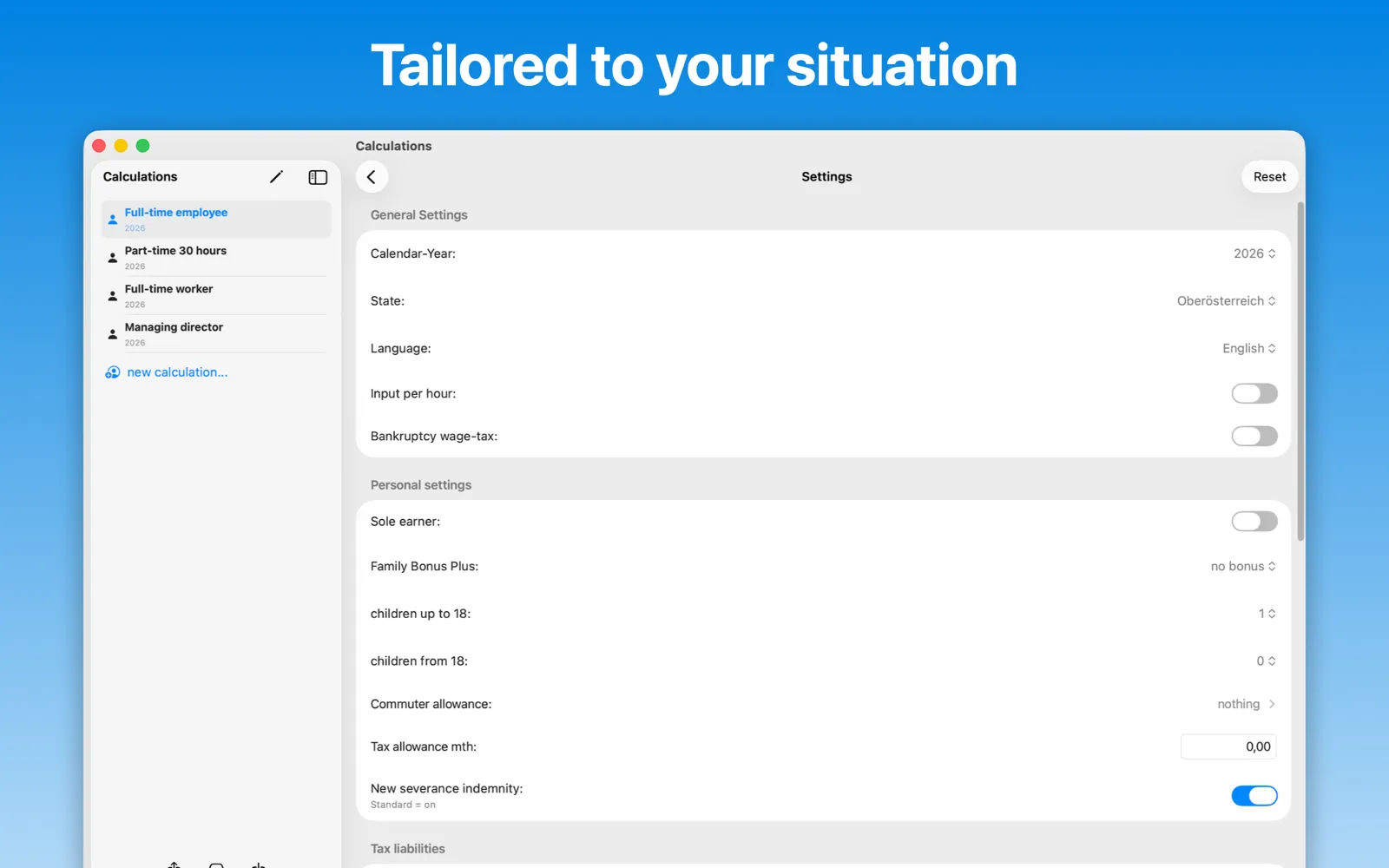
The app on Mac, iPad and iPhone — from the main screen through the chart to the detailed results. All views are taken from version 5.9.
01
Does the app work for Germany?
No. BruttoNetto calculates exclusively under Austrian tax and social-insurance law. German salaries follow different rules and would produce wrong results.
02
Do I need an internet connection?
No. All calculations run entirely on your device. The app never connects to a server, which is also why it collects no data.
03
Which years can I calculate?
The current year plus recent years, including preliminary figures for the year ahead. The calculation period is selectable in the app’s settings — including special periods such as “2025 from June 1st”, which reflects mid-year rate changes.
04
Can I calculate from net to gross?
Yes. Enter your desired net salary and the app works out the gross figure — useful for salary negotiations.
05
Can I save several calculations?
Yes, since version 5.0 you can keep multiple calculation variants. Tap the back button in the top-left corner (or open the sidebar on iPad and Mac) and add a new calculation.
06
What are the system requirements?
iOS 18 / iPadOS 18, macOS 15 or visionOS 2 and newer. Family Sharing is supported — up to six family members can use one purchase.
07
I found a wrong rate or a bug — what now?
Write to herwig@therangers.net with the calculation year and the values you entered. Rate corrections usually ship within days.
Version history
5.9
Jul 2026
The language can now be switched directly in the settings, without restarting the app. Net → gross matches the requested net amount to the cent and suggests the roundest gross figure. Entries are saved automatically in the background. Plus a correction to the 2026 commuter compensation amount (€357) and numerous further bug fixes.
5.8
Jan 2026
Commuter euro raised to €6. Tax-free treatment of 50% overtime premiums for the first 15 overtime hours (up to €170) in 2026. Vienna housing-subsidy surcharge of 0.5% from 1 Jan 2026.
5.7
Sep 2025
Preliminary calculations for 2026.
5.6.3
Jun 2025
New calculation period “2025 from June 1st”, reflecting the raised health-insurance contribution for pensioners (6%).
5.6.2
Apr 2025
Fixed loading and saving of calculations.
5.6.1
Oct 2024
Corrected the employer-contribution rate.
5.6
Sep 2024
Preliminary calculations for 2025.
5.0
Jul 2023
Multiple calculation variants can be created and saved.
The complete history is on the App Store page.
No data collected
BruttoNetto collects no data — no analytics, no tracking, no accounts. Everything you enter stays on your device. Read the full privacy policy.
Still stuck?
Support is answered by the developer himself. Include your app version (Settings → About) and, for calculation questions, the year and inputs you used.